QR code generator — no signup, no upload.
No account, no shortener, no code that dies when someone's server does.
25 × 25 modules · 38 characters
The code is drawn by this page, on your device. Nothing you type is sent anywhere, and the code never expires — it is just your text, encoded.
Making a QR code that will still work in five years
Most free QR generators point the code at their own redirect domain, which means the code stops working when that service shuts down or moves to a paid tier. This one encodes your content directly.
- Enter the content. A URL, plain text, a phone number, a Wi-Fi credential — whatever the code should carry. For a URL, include https:// so phones open it as a link rather than searching for the text.
- Adjust the size. Larger codes scan from further away and print more reliably. For print, aim for at least 2 cm square for a URL and larger for anything with more characters.
- Check the error correction level. Higher correction survives damage, smudging and partial obstruction, at the cost of a denser code. Medium is a good default; use high for anything printed on a surface that will be touched.
- Download and test it. Scan the downloaded image with your own phone before sending it to a printer. This takes ten seconds and catches every sizing mistake before it becomes a thousand useless flyers.
When this comes up
- Putting a link on printed material. A menu, a poster, a business card, a conference badge. The code is the bridge from paper to phone.
- Sharing Wi-Fi without reading out a password. Encode the network credentials and guests scan instead of asking.
- Adding contact details to a CV or a slide. A code holding a phone number or a website is faster to use than typing a URL from a projected slide.
- Labeling physical items. Equipment, storage boxes, sample bags — a code holding an asset ID or a link to a record.
A worked example: a URL that stays scannable
A short link of about 25 characters fits in a version 2 code, 25 × 25 modules, which scans from a business card and from a poster at ten metres. The same destination written as a 120-character URL with campaign parameters forces a version 7 code at 45 × 45 modules, and every one of those modules has to be resolved by the camera before it decodes.
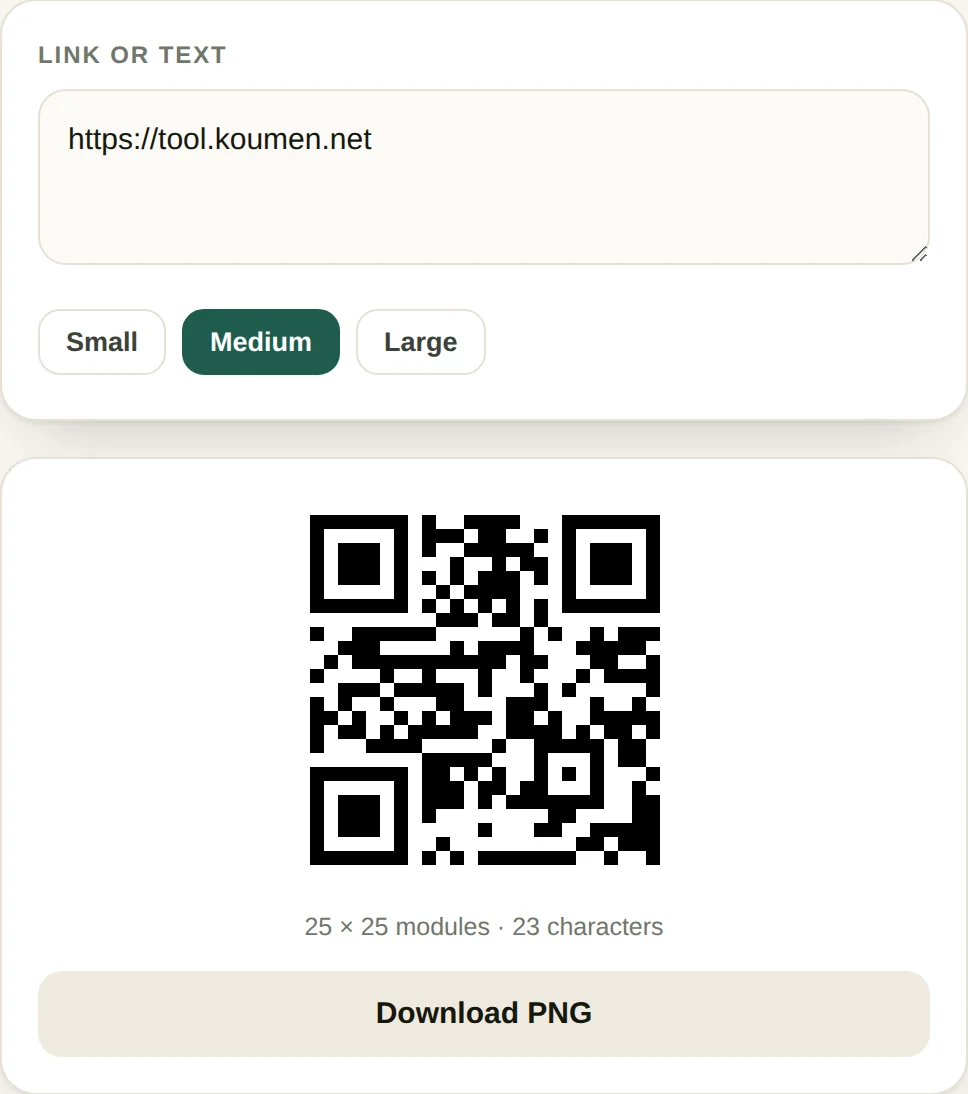
Density is not cosmetic. At a fixed printed size a denser code has smaller modules, and small modules are what fail under poor light, a scratched lens, or glass between the phone and the poster. A workable rule is at least 1 mm per module in print, which puts a version 2 code at about 2.5 cm and a version 7 at about 4.5 cm for the same reliability.
Everything else is contrast. Dark modules on a light background, with a quiet zone of four modules around the code — that white border is part of the specification, not padding. Inverted codes fail on a fair number of scanners, and a logo dropped in the middle only works because the error-correction level is high enough to rebuild the covered modules.
Where QR codes go wrong
- Long URLs. Every tracking parameter adds modules. Point the code at a short link you control, so the printed code can outlive a change of campaign.
- Link rot. A QR code is a promise that the destination still exists in five years. Use a stable URL, not a file on a laptop.
- Too small at distance. A 2 cm code on a poster is unreadable from two metres regardless of print quality.
- Error correction is not unlimited. Level H survives about 30% damage. A logo over a third of the code plus a crease is where scanning stops.
Questions
Will my QR code expire?
Not this one. The code contains your content directly, with no redirect through a third-party domain, so there is no service that can shut down and break it. Codes from free generators that route through their own short link are the ones that expire — usually when the free tier ends.
Why do some QR codes stop working?
Because they encode a short URL on the generator’s domain rather than your actual destination. That lets the generator track scans and charge for "dynamic" codes, but it also means your printed material depends on that company staying in business.
What is error correction and which level should I use?
QR codes carry redundant data so they can still be read when partly damaged. Level L recovers about 7% of the code, M about 15%, Q about 25% and H about 30%. Higher levels make the code denser for the same content, so use M for screens and clean print, H for anything exposed to weather or handling.
Is my data sent anywhere?
No. The code is generated in JavaScript in your browser using a local library, with no network request. That means it works offline, and it means the content — which might include a Wi-Fi password — never leaves your device.
More everyday tools
Guides
No daily limit on this tool
This one is free with no counter — it runs in your browser and costs nothing to serve. All-Access is for the PDF and image tools, which are free three runs a day.
- Unlimited PDF and image jobs
- Full-length output, no page cap
- Every tool added later, included
- One payment, no subscription