JSON formatter — format, minify, validate.
Format it, flatten it, or find the line that broke it. Nothing is uploaded — it all parses in this tab.
Formatting, minifying and actually finding the error
Every JSON error message says "unexpected token" and stops there. The useful information is which line, which column, and what was expected — and that is what this tool reports.
- Paste your JSON. Any size that fits in the browser. Nothing is uploaded, which matters if the payload contains tokens or customer data.
- Format or minify. Formatting indents the structure so it can be read; minifying removes all optional whitespace to reduce payload size. The result shows both the output size and the input size so the saving is visible.
- If it is invalid, read the error. The tool reports the line and column of the first structural error and describes what it found. A trailing comma after the last item in an object is the single most common cause, and it is legal in JavaScript but not in JSON.
- Check the structure summary. Key count and nesting depth are shown alongside. Depth is worth watching: deeply nested JSON is often a sign the data model needs flattening before it reaches a client.
When this comes up
- Debugging an API response. A server returns malformed JSON and the client reports a parse failure with no useful detail. Pasting the body here points at the exact character.
- Reading a config file someone else wrote. Formatting a minified or single-line config is the fastest way to see its shape.
- Shrinking a payload. Minifying a JSON fixture or a seed file before shipping it cuts size by 20–40% with no semantic change.
- Writing an API request body by hand. Formatting catches the missing comma before the request is sent, which is faster than reading a 400 response.
A worked example: a tangled object, formatted
A payload like {"user":{"id":42,"name":"Ada","roles":["admin","editor"]},"active":true} is about 70 characters minified and roughly 150 with two-space indentation. Nothing about the data changed; only whitespace did, and whitespace is insignificant everywhere outside string values.
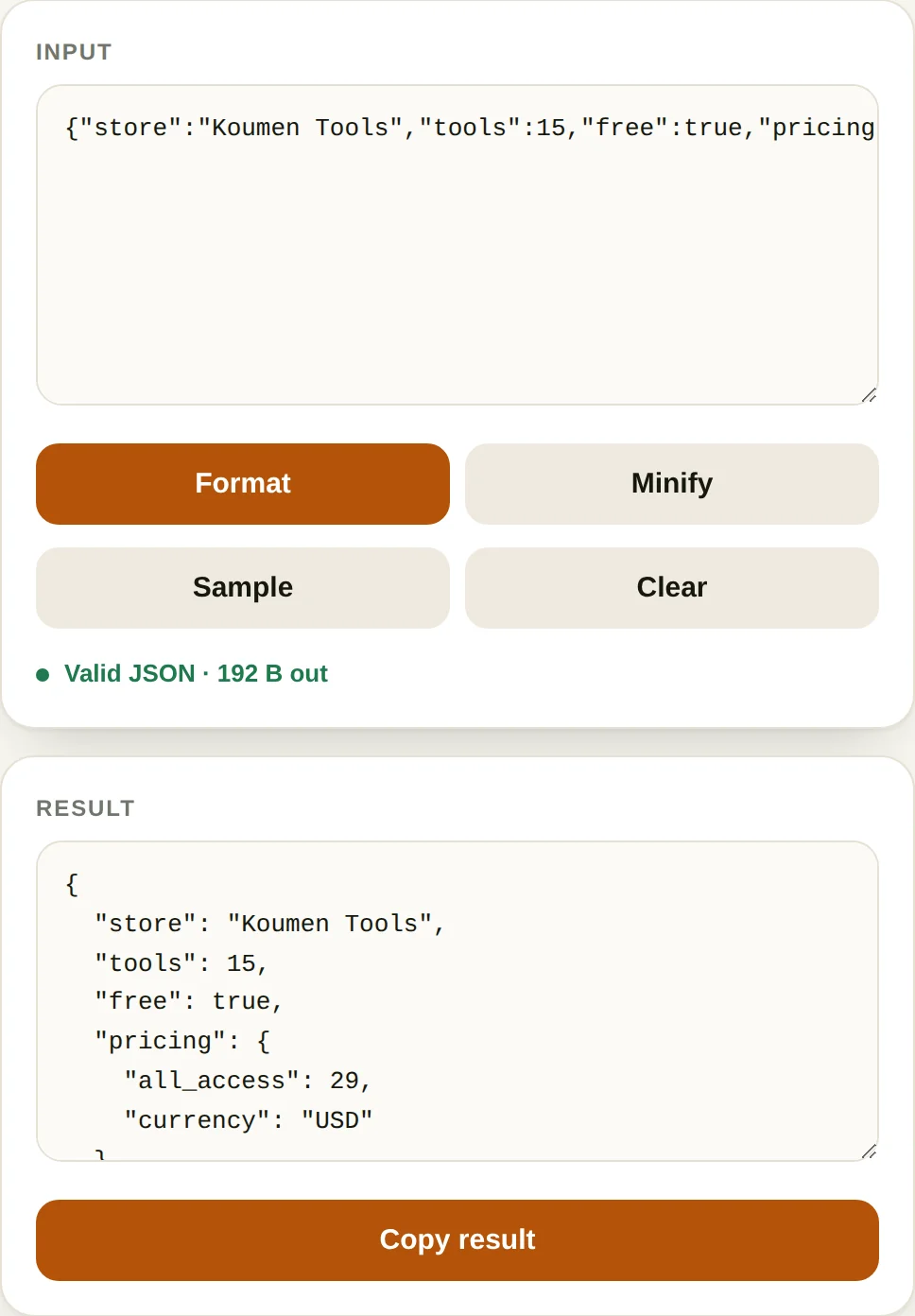
Formatting earns its keep when something is broken. A minified 4,000-character line gives you an error message and no context; the same payload indented shows at a glance that a bracket is missing three levels down. The usual culprit is a trailing comma before a closing brace, which every JavaScript engine accepts and JSON does not.
Minifying earns its keep on the wire. Stripping indentation typically removes 15–25% of the bytes of a pretty-printed payload, and gzip then removes most of what is left — a real saving, but rarely the reason a request feels slow.
Where JSON handling goes wrong
- Integers beyond 253 lose precision. A 19-digit Snowflake or post ID parsed as a number becomes a different ID. Keep identifiers as strings.
- Duplicate keys.
{"a":1,"a":2}is valid JSON, and the last value wins in every parser — silent data loss rather than a syntax error. - Comments and single quotes are JSON5, not JSON. A config file that accepts them will fail in a strict parser, usually in production.
- Pasting secrets. Formatting here happens in the browser with no upload, but the same errand on a server-side form can hand an API key to somebody's log file.
Questions
What is the most common JSON error?
A trailing comma after the last item in an object or array. JSON does not allow it, JavaScript does, and people write JSON in JavaScript habit. The second most common is single quotes instead of double quotes — JSON requires double quotes for both keys and string values.
Why does my JSON say "unexpected token" at the very end?
Usually because something earlier was never closed. A missing brace or bracket at the top of a long document reports as an error at the last character, because that is where the parser runs out of input. Check the opening brackets first.
Can JSON have comments?
No. Comments are not part of the JSON specification, and most parsers reject them. If you need them, the common workarounds are a _comment key or JSON5, but neither is valid JSON and both will break a strict parser somewhere downstream.
Does formatting change the data?
No. Whitespace between tokens is insignificant in JSON, so formatted and minified versions parse to identical values. Key order is preserved as written, though the JSON specification does not require parsers to preserve it — do not rely on ordering for logic.
More text tools
All-Access — every tool, one payment
The formatter is free and stays free. All-Access removes the upgrade prompt and unlocks every tool on this site.
- Every current tool, fully unlocked
- Every tool added later, included free
- No ads, no signup, no subscription