Base64 encoder and decoder.
Paste text or drop a file, get Base64 back — with the URL-safe alphabet, 76-column wrapping and data URI prefixes that APIs actually ask for.
- Where your data goesNowhere
- EncodingUTF-8 → Base64
- Works offlineYes
The conversion happens in this tab. Careful with one thing though: Base64 is an encoding, not encryption. Anyone holding a Base64 string can read it in one step, so it is the wrong place to hide a password or a token.
Encoding and decoding Base64
Base64 exists for one reason: to move binary data through channels that only accept text. Email, JSON, XML, HTTP headers and data URLs all break if given raw bytes, so the bytes are mapped onto 64 printable characters first and mapped back at the other end.
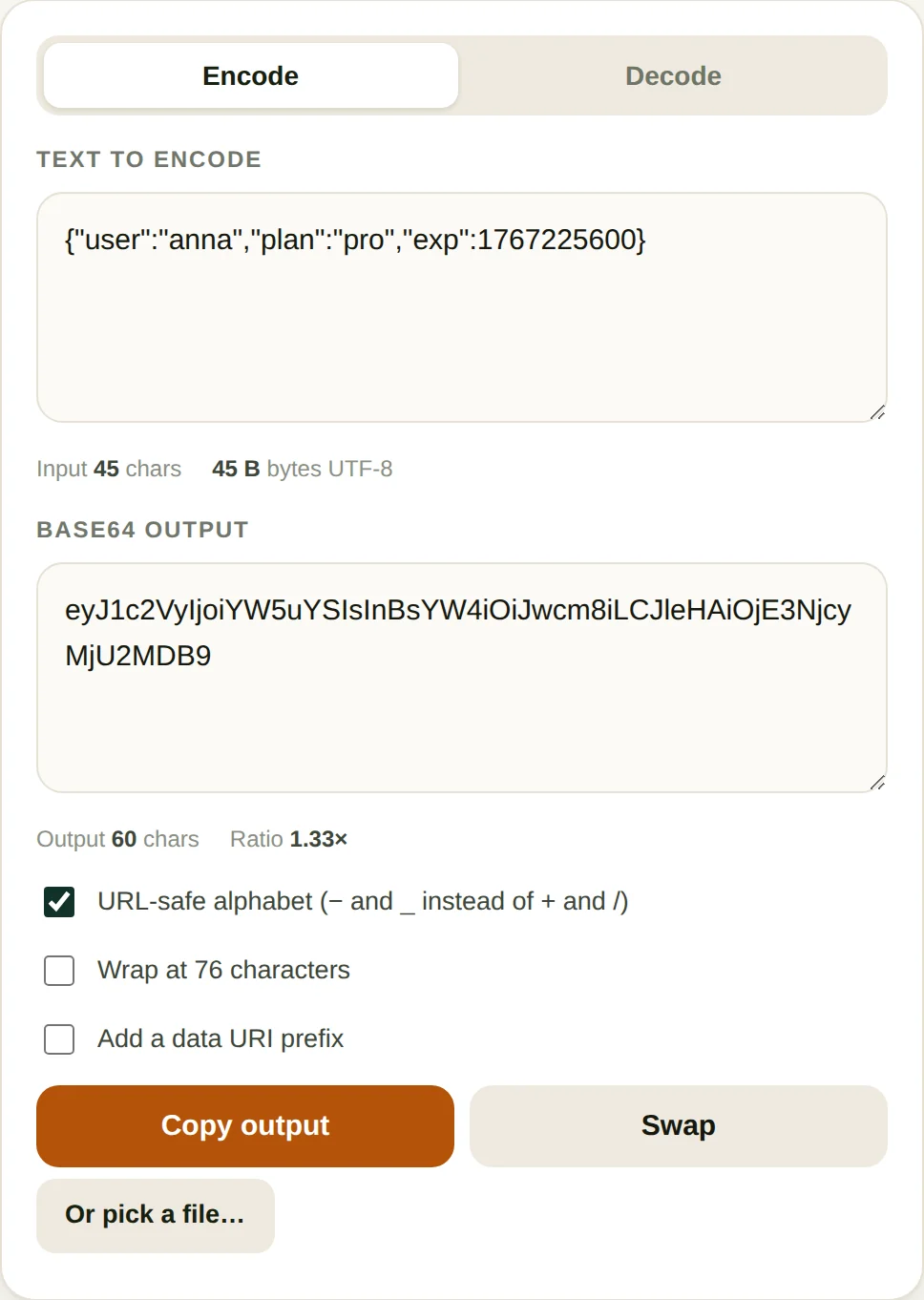
- Pick a direction. Encode takes text or a file and produces Base64. Decode takes Base64 and gives you back the original text or bytes.
- Choose the alphabet. Standard Base64 uses
+and/. Turn on URL-safe and those become-and_, which is what you need for query strings, filenames and JWT payloads. - Decide on line breaks. MIME and older email systems require a line break every 76 characters. JSON, most APIs and anything compared with
===want a single unbroken string. - Copy or swap. Swap takes the output and puts it back in the input with the direction reversed, which is the fastest way to check that a round trip is lossless.
When this comes up
- Debugging a JWT. The three dot-separated parts are Base64url. Paste the middle one here, switch to URL-safe and decode, and the claims appear as JSON.
- Embedding a small image in CSS or HTML. A data URI saves a request, which matters for icons and one-pixel tracking images. Anything past a few kilobytes is usually a net loss.
- Sending a file to an API that wants JSON. Most APIs that accept attachments take a Base64 string in a field rather than multipart form data.
- Checking a signature. Basic auth headers, webhook signatures and some HMAC schemes are Base64 on the wire, and decoding them is the quickest way to see what was actually signed.
A worked example: what the 33% actually looks like
Base64 turns every three bytes into four characters, so the overhead is fixed at one third — but only once the input is long enough to amortise the padding. Short strings look much worse than the rule suggests:
| Input | UTF-8 bytes | Base64 characters | Ratio |
|---|---|---|---|
Hello, world! | 13 | 20 | 1.54× |
| A 100-character ASCII string | 100 | 136 | 1.36× |
中文 (two characters) | 6 | 8 | 1.33× |
| A 346 KB photo | 354,512 | 472,876 | 1.33× |
The photo is the number worth internalising. Encoding it produces 472,876 characters — a string larger than the image itself, which then has to be held in memory as text, copied into JSON, escaped again on the way out, and parsed at the other end. That is why binary upload exists. Use a data URI for an icon measured in kilobytes, not for a photograph measured in megabytes.
Note the Chinese case as well: two characters cost six bytes, not two, because UTF-8 spends three bytes on each. The Base64 is eight characters against what a naive byte-per-character assumption would call three. This is exactly where implementations that call btoa on a raw JavaScript string fall over — the string is not bytes, and the conversion has to happen first.
Padding is the detail that breaks integrations. The = characters exist only to round the output up to a multiple of four, and systems disagree about them: some require the padding, some reject it, and some strip it on the way in and expect you to restore it on the way out. If a decoder refuses a string that looks perfectly valid, counting the characters and checking whether the length is divisible by four takes about five seconds and solves it most of the time.
Where Base64 goes wrong
- Treating it as security. A Base64 string is not hidden, it is only unreadable-looking. Authorization headers carrying Base64 credentials are effectively plaintext to anyone who can see the traffic.
- Mixing the two alphabets. A string with
-and_decoded with the standard alphabet produces garbage or an error. If a decoder rejects input that looks valid, this is the first thing to check. - Stripping or keeping the padding wrongly. Base64 pads to a multiple of four with
=. Some systems require the padding, others reject it. Neither behaviour is wrong; you just have to match the receiver. - Encoding large files through text. The output is 33 percent larger, so a 10 MB image becomes 13.3 MB of characters, plus whatever memory the string costs in your language. Binary upload is almost always better.
Questions
Is Base64 encryption?
No, and this is the mistake that causes real leaks. Base64 is a reversible encoding with no key, so anyone can decode it in one step. Storing a password or an API token as Base64 offers exactly as much protection as storing it in plain text.
Why does Base64 make text bigger?
Three bytes become four characters, so the output is 4/3 of the input, about 33 percent larger. There is no way around this: the encoding exists to move binary data through text-only channels, not to compress it.
What is the URL-safe variant?
Standard Base64 uses plus and slash, which have special meanings inside a URL and a filename. The URL-safe alphabet replaces plus with minus and slash with underscore, so the result can be pasted into a query string without encoding. JWT tokens use this variant.
Why do Chinese or emoji characters break some decoders?
Older implementations call btoa directly on a JavaScript string, which only works for characters below U+0100. Anything above that is silently corrupted. This tool converts to UTF-8 bytes first, so accented letters, Chinese characters and emoji all survive a round trip.
More text tools
No daily limit on this tool
This one is free with no counter — it runs in your browser and costs nothing to serve. All-Access is for the PDF and image tools, which are free three runs a day.
- Unlimited PDF and image jobs
- Full-length output, no page cap
- One payment, no subscription